 TECH TIMES NEWS
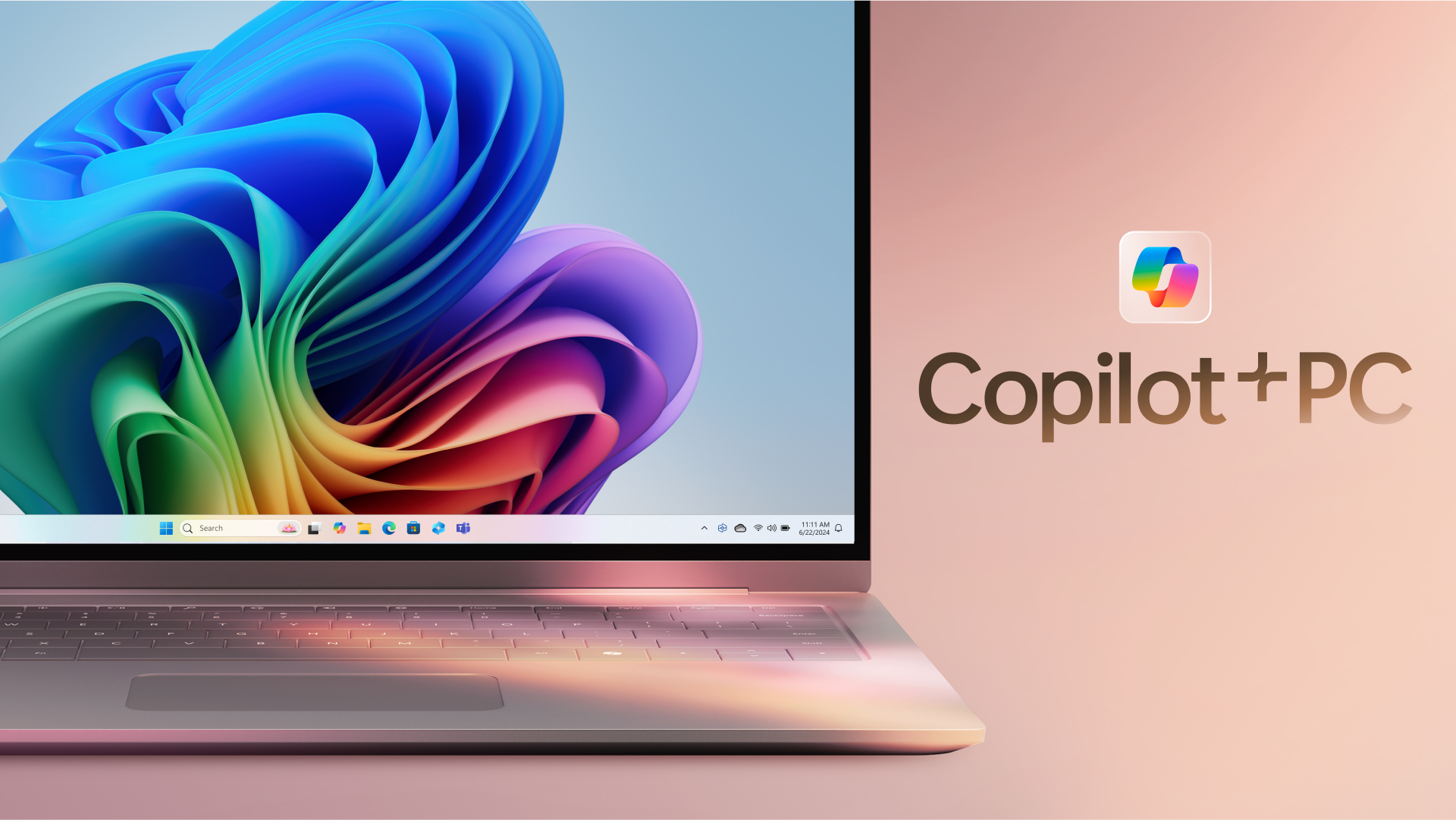
In a major leap forward for personal computing, Microsoft has officially rolled out Copilot Vision, an advanced visual AI feature integrated into the Windows ecosystem. This innovation enhances the Copilot AI assistant by enabling it to "see" and understand what’s on the user’s screen, effectively combining contextual screen reading with intelligent assistance. The release aims to bring a more natural, intuitive user experience, leveraging the power of AI-powered computer vision and machine learning.
👓 What is Copilot Vision? Understanding the New Capability
Copilot Vision uses on-device and cloud-powered AI to analyze the content of your screen in real time—be it a document, image, web page, or app interface. This allows Copilot to give context-aware suggestions, perform actions like summarizing content, filling forms, or even describing images for accessibility. Users can interact with Copilot using natural language, eliminating the need to switch between apps or manually copy-paste content.
💻 Aimed at Productivity, Accessibility, and AI Integration
According to Microsoft, Copilot Vision is designed to support a wide array of use cases. For professionals, it offers instant insights, such as summarizing financial data from Excel or parsing meeting notes. For students, it can provide quick explanations of on-screen material. Accessibility is also a key focus—vision-impaired users can benefit from detailed image and layout descriptions. This release reinforces Microsoft's commitment to responsible AI and inclusive design.
🔐 Privacy and Security at the Core
Microsoft emphasized that user privacy remains paramount. Copilot Vision only analyzes content with user permission and adheres to Microsoft’s strict data handling protocols. Most processing is done on-device to ensure performance and confidentiality, with options for cloud assistance where required.
📆 Availability and Compatibility
Copilot Vision is initially rolling out to select Windows 11 users with the latest update, and wider availability is expected in the coming months. It works best with Microsoft’s ecosystem, including Edge, Office, and Teams, but is also compatible with a wide range of third-party apps. Businesses using Microsoft 365 Copilot will gain extended access and customization options.